
Introduction
Choosing a website builder can be difficult when two popular platforms offer many of the same core features. Wix or Squarespace is a common comparison for beginners, bloggers, freelancers, creators, Small Businesses, and online store owners who want to build a professional website without managing traditional web hosting and development.
Wix and Squarespace both provide website-building tools, templates, hosting, domain options, SEO features, ecommerce capabilities, and business tools. However, they approach website creation differently. Wix puts considerable emphasis on flexible editing and customization, while Squarespace focuses strongly on structured design and an integrated website-building experience.
The right choice therefore depends less on finding a universal winner and more on understanding what you need from your website.
In this guide, we will compare Wix and Squarespace across design, ease of use, templates, SEO, blogging, ecommerce, AI tools, pricing, performance, integrations, mobile websites, security, support, and migration.
Wix or Squarespace: Quick Comparison
| Feature | Wix | Squarespace |
| Website editor | Flexible visual editing | Structured visual editing |
| Design flexibility | High | High |
| Templates | Large selection | Curated design-focused selection |
| SEO tools | Extensive built-in controls | Extensive built-in controls |
| Blogging | Built-in blog platform | Built-in blog platform |
| Ecommerce | Extensive ecommerce tools | Integrated commerce tools |
| AI website creation | AI website builder | Blueprint AI Builder |
| Apps/integrations | Wix App Market | Extensions and integrations |
| Hosting | Included | Included |
| SSL | Included | Included |
| Custom code | Available | Available on applicable plans |
| Best suited to | Users wanting flexibility and business tools | Users prioritizing structured design |
Neither platform should be selected solely because of one feature. Your website’s purpose, budget, technical comfort, design requirements, and growth plans all matter.
What Is Wix?
Wix is a hosted website-building platform that allows individuals and businesses to create websites without managing traditional web servers.
It provides a visual editing environment for building pages, adding sections, customizing content, connecting domains, publishing websites, and adding business functionality. Its ecosystem also includes ecommerce, blogging, bookings, marketing, analytics, apps, and other business services.
Wix has also expanded its AI-assisted website creation tools. Its current AI website builder allows users to describe the website they want and then continue editing the generated site manually.
What Is Squarespace?
Squarespace is a hosted website platform designed around website creation, content publishing, commerce, and online business management.
It provides templates, visual editing, blogging, portfolios, ecommerce, domains, SEO tools, and business features.
Squarespace also offers Blueprint AI Builder, which can help users generate a personalized website based on information provided during the creation process.
Wix vs Squarespace: Design and Customization
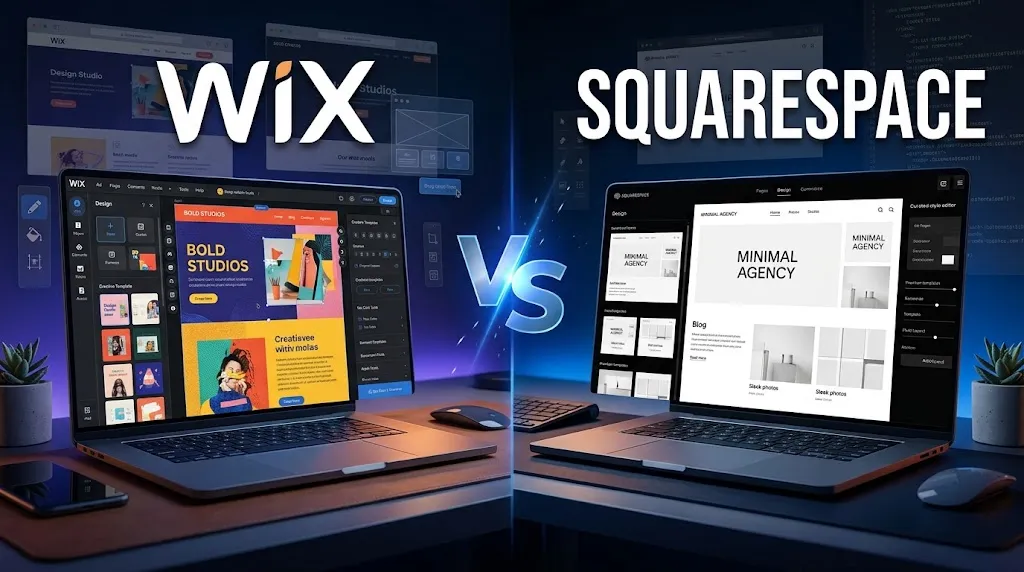
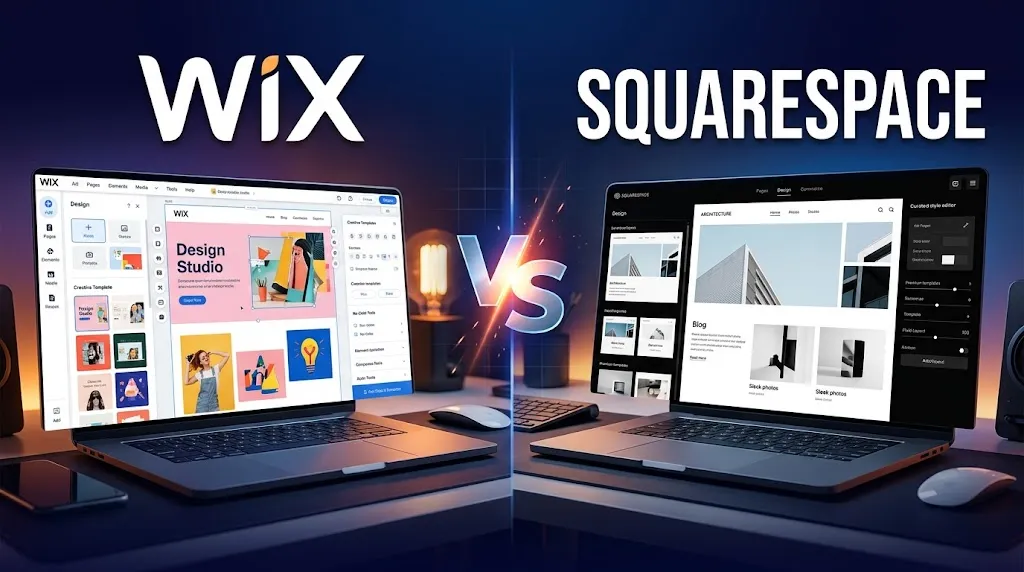
Wix emphasizes flexible visual editing and gives users considerable freedom when arranging page elements.
Squarespace uses a more structured approach focused on consistent layouts, typography, spacing, sections, and visual presentation.
Wix can be useful when you already have a specific visual concept and want considerable control over the layout.
Squarespace can be useful when you want a polished design system that helps maintain consistency across the website.
Wix vs Squarespace: Ease of Use
Both platforms are designed to reduce the technical requirements of website creation.
Beginners generally need to learn how to create pages, edit sections, add images and text, configure navigation, connect a domain, manage SEO settings, and publish content.
Wix can provide more options, while Squarespace can feel more structured.
For simple websites, either can be manageable. The difference becomes more noticeable when you build complex layouts or add multiple business functions.
Wix vs Squarespace: Templates and Website Design
Wix offers a broad template ecosystem and extensive customization options.
Squarespace uses a curated design approach with templates aimed at different industries and website types.
Common categories include business websites, portfolios, photography, blogs, restaurants, professional services, online stores, and personal websites.
Before choosing a template, check its layout, navigation, mobile appearance, content structure, e-commerce support, and long-term flexibility.
Wix vs Squarespace: SEO Features
SEO is an important part of any Wix or Squarespace comparison.
Neither platform automatically guarantees rankings. Search visibility depends on content quality, relevance, technical implementation, internal linking, backlinks, search intent, competition, and other factors.
Wix provides controls for URLs, meta tags, canonical tags, robots directives, structured data, XML sitemaps, redirects, and other SEO settings.
Squarespace also provides built-in SEO functionality, including sitemap generation, SEO settings, alt text controls, clean URLs, and Search Console integration.
Both platforms can provide a useful SEO foundation. The quality of the website’s implementation remains more important than simply choosing one platform.
Wix vs Squarespace for Blogging
Both platforms provide integrated blogging capabilities.
Important blogging features include:
- Post editing
- Categories
- Tags
- Authors
- Scheduling
- Featured images
- SEO
- Social sharing
- Content organization
- Analytics
Wix can be useful when blogging is part of a larger business website with ecommerce, bookings, services, or other functionality.
Squarespace can appeal to users who place strong emphasis on visual presentation and content design.
For SEO-focused blogging, content quality and search intent remain essential regardless of platform.
Wix vs Squarespace for Ecommerce
Ecommerce requires more than attractive product pages.
Wix provides tools for products, inventory, payments, shipping, subscriptions, digital products, abandoned-cart recovery, analytics, multichannel selling, and store management.
Squarespace supports physical products, digital products, services, memberships, invoices, and other commerce functions.
When comparing ecommerce platforms, evaluate:
- Product catalog
- Inventory
- Product variants
- Digital products
- Subscriptions
- Payments
- Shipping
- Taxes
- Discounts
- Analytics
- Integrations
- Transaction costs
Regional payment availability should also be checked before choosing a platform.
Wix vs Squarespace AI Website Builders
Both platforms now use AI to simplify website creation.
Wix provides an AI website builder and its Aria AI tools.
Squarespace provides Blueprint AI Builder.
AI can assist with website structure, content ideas, page creation, design, and other tasks.
However, AI-generated websites should always be reviewed manually for accuracy, branding, SEO, accessibility, navigation, images, and business information.
Wix vs Squarespace: Pricing and Total Cost
Pricing changes over time, so official pricing pages should always be checked before purchasing.
Wix currently provides a free option as well as paid plans, while Squarespace currently uses Basic, Core, Plus, and Advanced plans.
Do not compare only the headline monthly price.
Consider:
- Website subscription
- Domain
- E-commerce fees
- Payment processing
- Third-party apps
- Marketing
- Premium integrations
- Additional users
The least expensive plan is not necessarily the least expensive option for every website.
Wix vs Squarespace: Performance and Core Web Vitals
Performance depends on much more than the website builder.
Important factors include:
- Images
- Videos
- Fonts
- Animations
- Third-party scripts
- Apps
- Page structure
- Mobile design
Wix provides CDN, caching, and image optimization features.
However, it would be inaccurate to claim that every Wix website is faster than every Squarespace website.
The actual website should be tested using real pages and appropriate performance tools.
Wix vs Squarespace: Apps, Integrations, and Extensions
Wix provides the Wix App Market for extending website functionality.
Apps can support ecommerce, forms, bookings, marketing, analytics, reviews, communication, SEO, and other requirements.
Squarespace provides official integrations and third-party extensions for areas such as marketing, shipping, finance, inventory, SEO, and other services.
Third-party services may have separate pricing and terms, so always review them before installation.
Wix vs Squarespace for Mobile Websites
Both platforms support websites designed for mobile visitors.
Before launching, test:
- Navigation
- Font sizes
- Buttons
- Images
- Forms
- Product pages
- Checkout
- Pop-ups
- Page speed
Wix provides mobile editing and mobile e-commerce tools.
Squarespace uses responsive layouts designed to adapt across screen sizes.
The final mobile experience depends on the actual website design, content, and third-party elements.
Wix vs Squarespace: Security, Hosting, and Maintenance
Both are hosted platforms, which means users do not normally have to manage traditional web servers themselves.
Hosting, SSL, infrastructure, and platform maintenance are handled as part of the hosted service.
Website owners should still use strong passwords, limit account access, review third-party integrations, and monitor their accounts.
Hosted platforms reduce technical maintenance, but they do not eliminate the need for responsible website management.
Wix vs Squarespace: Customer Support
Both platforms provide help documentation and support resources.
Wix provides a Help Center and customer support options.
Squarespace also provides extensive documentation and support resources.
When evaluating support, consider whether you need beginner tutorials, troubleshooting help, business assistance, integration guidance, or developer documentation.
Can You Switch From Wix to Squarespace?
Yes, but migration requires planning.
Important migration tasks include:
- Domain configuration
- Page recreation
- Blog content
- Images
- Products
- Navigation
- URLs
- Metadata
- Redirects
- Search monitoring
The biggest SEO concern is often URL changes.
Old URLs should be mapped to their relevant new destinations, and redirects should be tested.
Can You Switch From Squarespace to Wix?
Yes.
The same basic principles apply:
- Plan the new structure
- Move important content
- Rebuild navigation
- Reconnect the domain
- Map old URLs
- Set redirects
- Check SEO settings
- Test mobile pages
- Verify forms
- Verify ecommerce
- Monitor traffic and indexing
Large websites require more detailed migration planning than small websites.
Wix or Squarespace: Which One Fits Different Types of Users?
Beginners
Both platforms can work for beginners. Compare the editors and choose the workflow that feels easier to manage.
Bloggers
Compare publishing tools, content organization, SEO controls, design, and analytics.
Small Businesses
Look at forms, bookings, ecommerce, marketing, analytics, integrations, and local SEO requirements.
Freelancers
Compare portfolio design, service pages, forms, booking, and branding options.
Photographers and Creators
Focus on galleries, image presentation, typography, portfolio layouts, and mobile performance.
Online Stores
Compare product management, inventory, payments, shipping, digital products, subscriptions, and transaction costs.
Service Businesses
Consider booking, payments, forms, invoices, customer management, and marketing.
Advanced Users
Compare custom code, APIs, integrations, developer tools, and customization requirements.
Related To Another Article: https://grammixo.com/gre-or-gmat/
Wix vs Squarespace: Pros and Cons
Pros
- Flexible visual editing
- Large app ecosystem
- Business tools
- Ecommerce capabilities
- AI website creation
- Extensive SEO controls
- Multiple website types supported
Cons
- Many options can take time to learn
- Additional services can increase total cost
- Some third-party apps have separate charges
- Highly customized websites require design consistency
Squarespace Pros
- Design-focused workflow
- Professional templates
- Integrated commerce
- Built-in SEO features
- AI website creation
- Extensions and integrations
- Suitable for content and business websites
Squarespace Cons
- Structured editing may feel limiting to some users
- Some advanced features depend on the plan
- Third-party extensions can have separate costs
- Commerce fees vary according to plan and payment setup
People Also Ask
A: Both are beginner-friendly. Wix emphasizes flexibility, while Squarespace provides a more structured design experience.
A: It depends on the plan, billing cycle, location, and features required. Always compare current official pricing before purchasing.
A: Both provide important SEO controls. Rankings depend on the complete website rather than simply the platform.
A: Both support blogging. The better fit depends on your content workflow, design preferences, and overall website requirements.
A: Both provide ecommerce features. Compare payments, shipping, products, inventory, integrations, and transaction costs.
Wix Or Squarespace: How Should You Decide?
Start with your website’s Requirements.
If you need extensive visual flexibility, examine Wix closely.
And if you prefer a structured, design-focused workflow, examine Squarespace closely.
If you are building an online store, compare commerce features, payment methods, shipping, fees, and regional availability.
And if SEO is important, compare the actual SEO controls and then focus on content quality and technical implementation.
If AI website creation matters, test both current AI builders and see which generated website is easier for you to customize.
And if you expect significant growth, consider integrations, custom functionality, content management, ecommerce requirements, and long-term costs.
Wix Or Squarespace: Final Comparison
They are both capable website-building platforms, but they offer different workflows and combinations of features.
Wix emphasizes flexibility, customization, business tools, apps, ecommerce, SEO controls, and AI-assisted creation.
Squarespace combines structured design, content publishing, ecommerce, SEO, AI-assisted creation, and integrations in an integrated platform.
Instead of asking which platform is universally better, compare the features that matter to your own website.
Look at the editor if design flexibility matters. Compare templates if presentation matters. Examine SEO controls if organic search matters. Review payment and transaction costs if you sell online. Check integrations if your business depends on external services.
The best choice is the platform whose features, workflow, cost, and limitations fit the website you actually plan to build.

1 thought on “Wix or Squarespace: Which Is Better in 2026?”